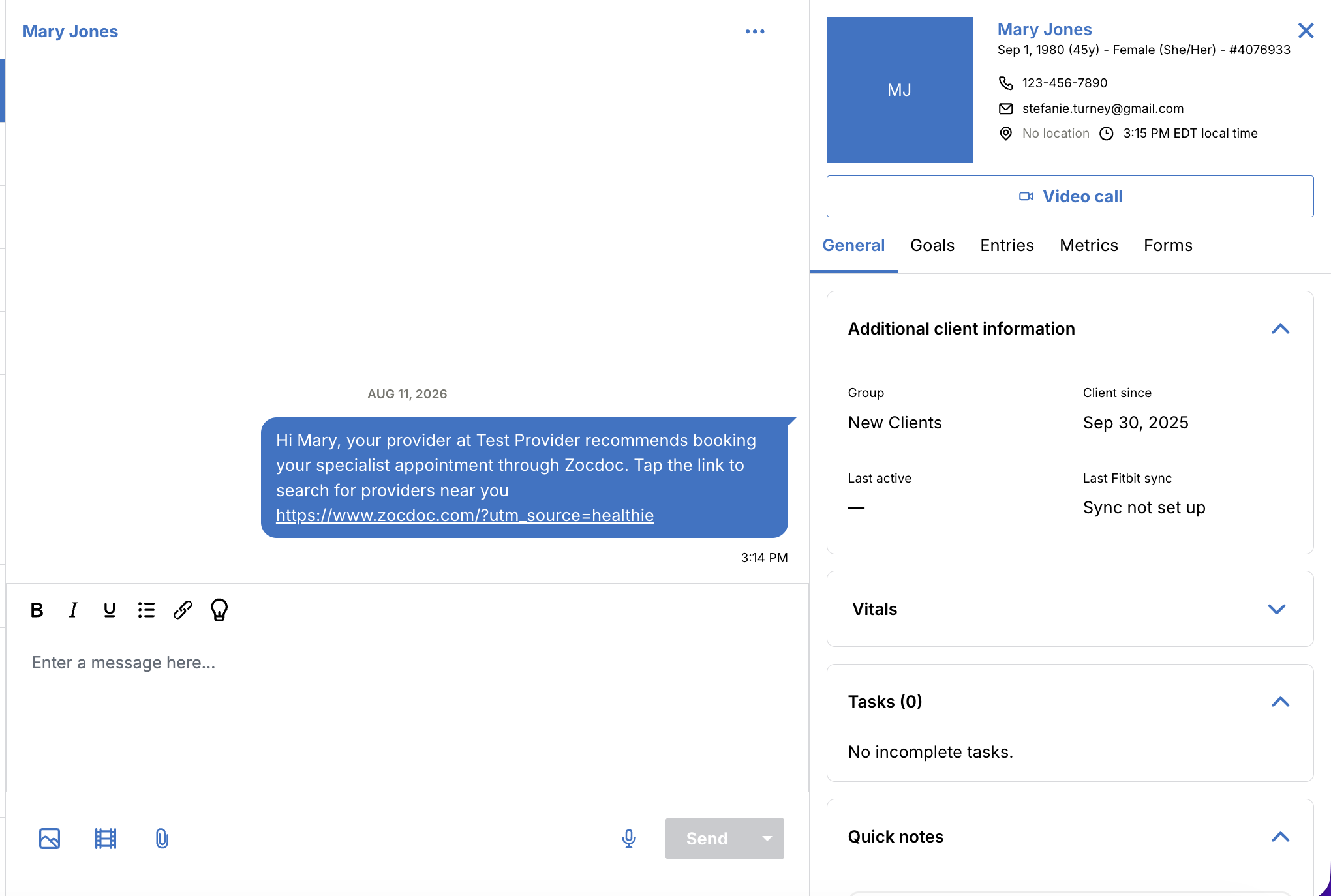
Zocdoc Referral Widget
The Zocdoc Referral Widget allows providers to send clients a direct link to find and book a healthcare appointment on Zocdoc, without leaving the client profile. Whether you're referring a client to a specialist, a primary care physician, or another type of provider, you can send the referral in the moment, during or after a session, without creating a separate follow-up task.
With a single click, Healthie delivers a pre-formatted referral message to the client via Chat, making it easy for clients to take action on a provider recommendation right away.
Enable the Zocdoc Referral Widget
The Zocdoc Referral Widget is available on all paid Healthie plans and works independently of Healthie's integration with Zocdoc.
To enable the widget for your organization, account owners can reach out to hello@gethealthie.com to request access. Once enabled, the widget will be turned on for all providers in the organization and can be used for any client within your account.
Send a Zocdoc Referral
Once the Zocdoc Referral Widget is enabled for your organization:
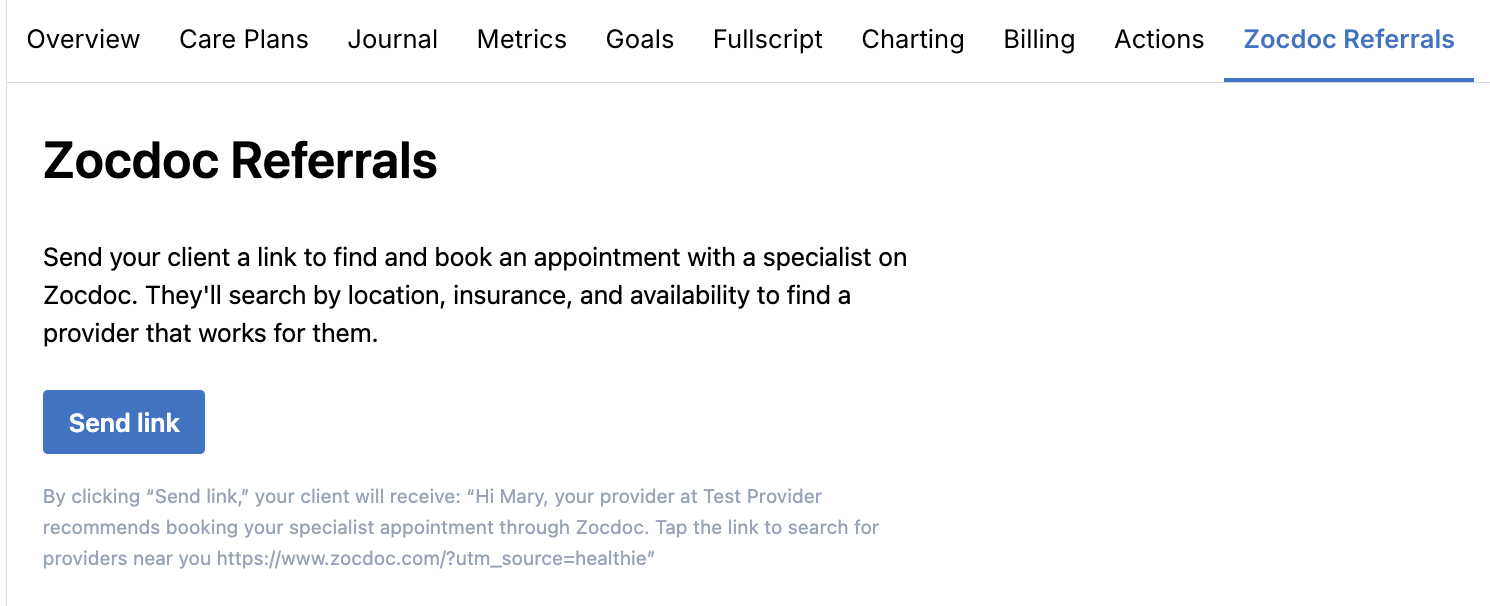
- Navigate to a client's profile
- Select the Zocdoc Referrals tab
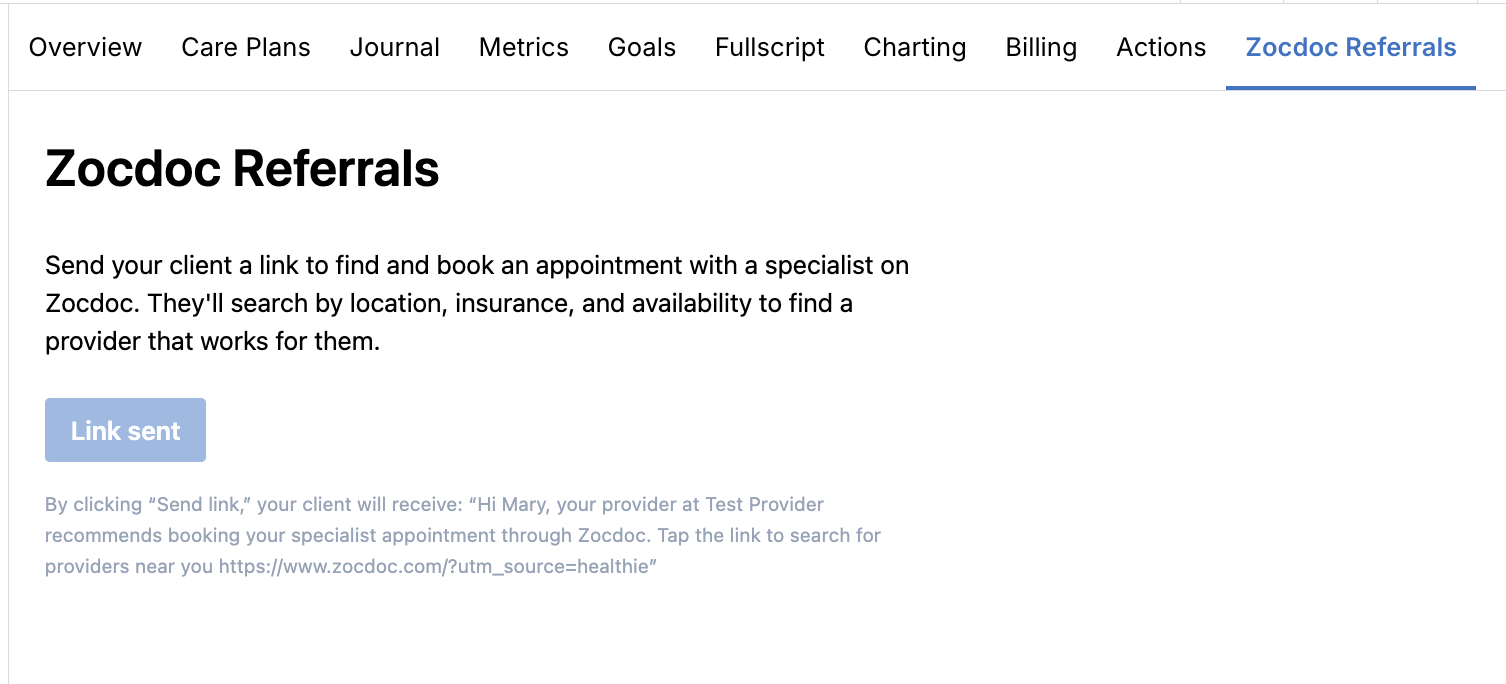
- Review the referral message, then click Send link
Healthie will send the client a message via Chat with a link to search for specialists on Zocdoc.
What the Client Receives
Once a provider clicks Send link, the client will receive the following message via Chat:
"Hi [Name], your provider at [Practice Name] recommends booking your specialist appointment through Zocdoc. Tap the link to search for providers near you: [referral link]"
The client can then tap the link to search for and book a specialist appointment directly through Zocdoc.